To properly connect option modules, such as the 4G modem option, to the IC Smart, please mount the modules as follows:
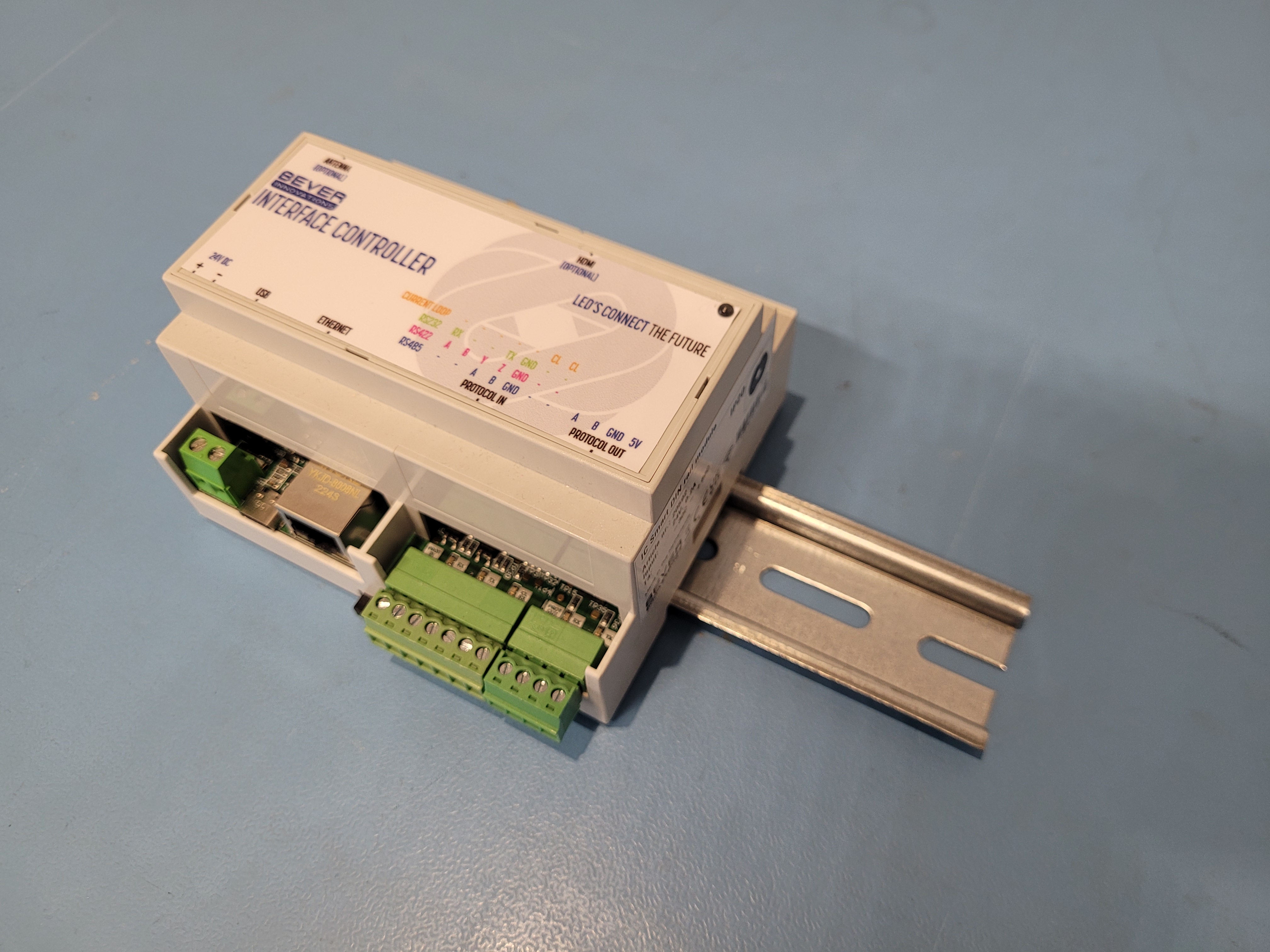
1. Mount the IC Smart on the DIN rail first.
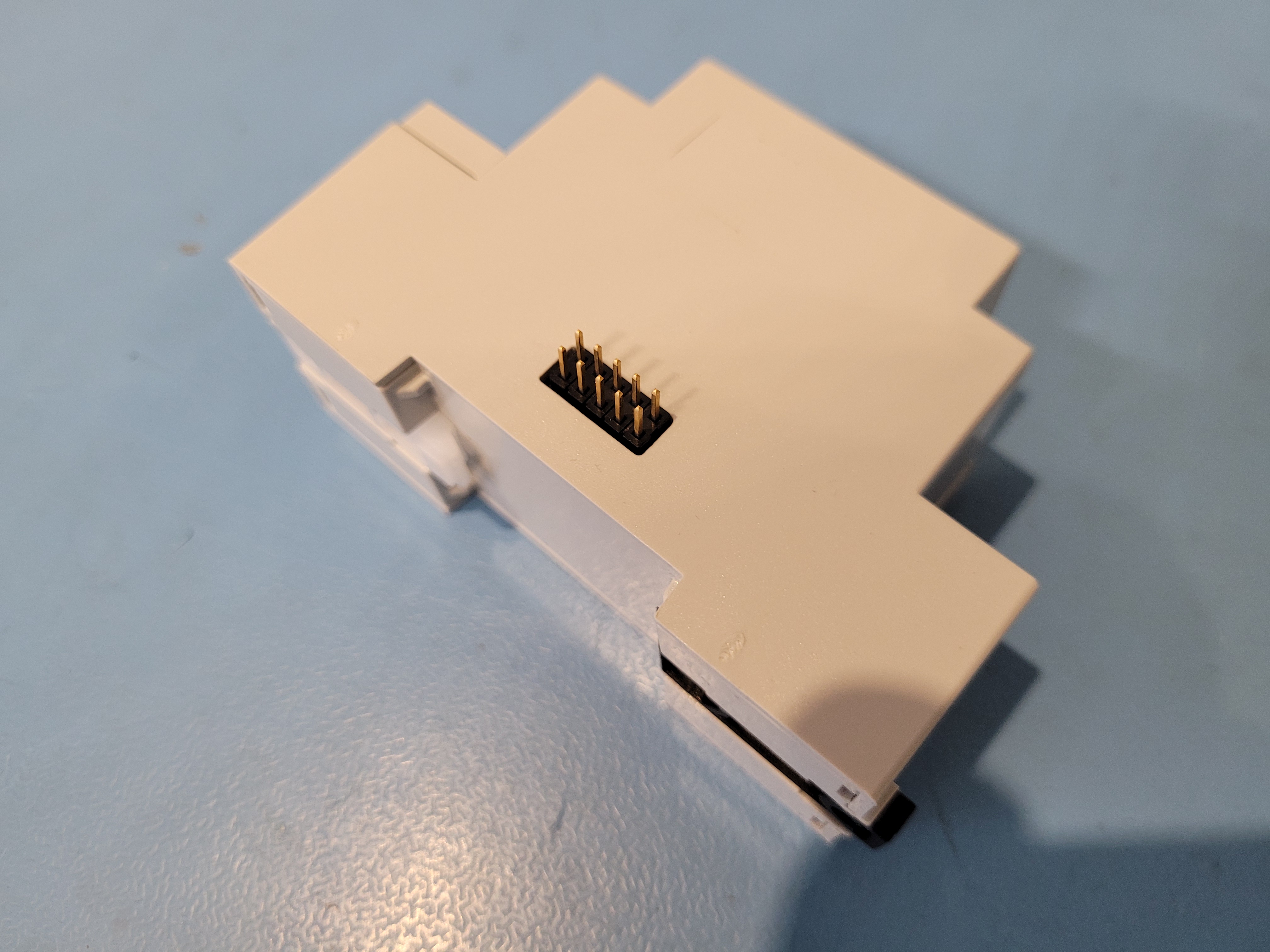
2. Insert the interconnecting header into the option module. Make sure it is fully inserted and that the pins are perpendicular to the enclosure.
3. Mount the option module onto the DIN rails.
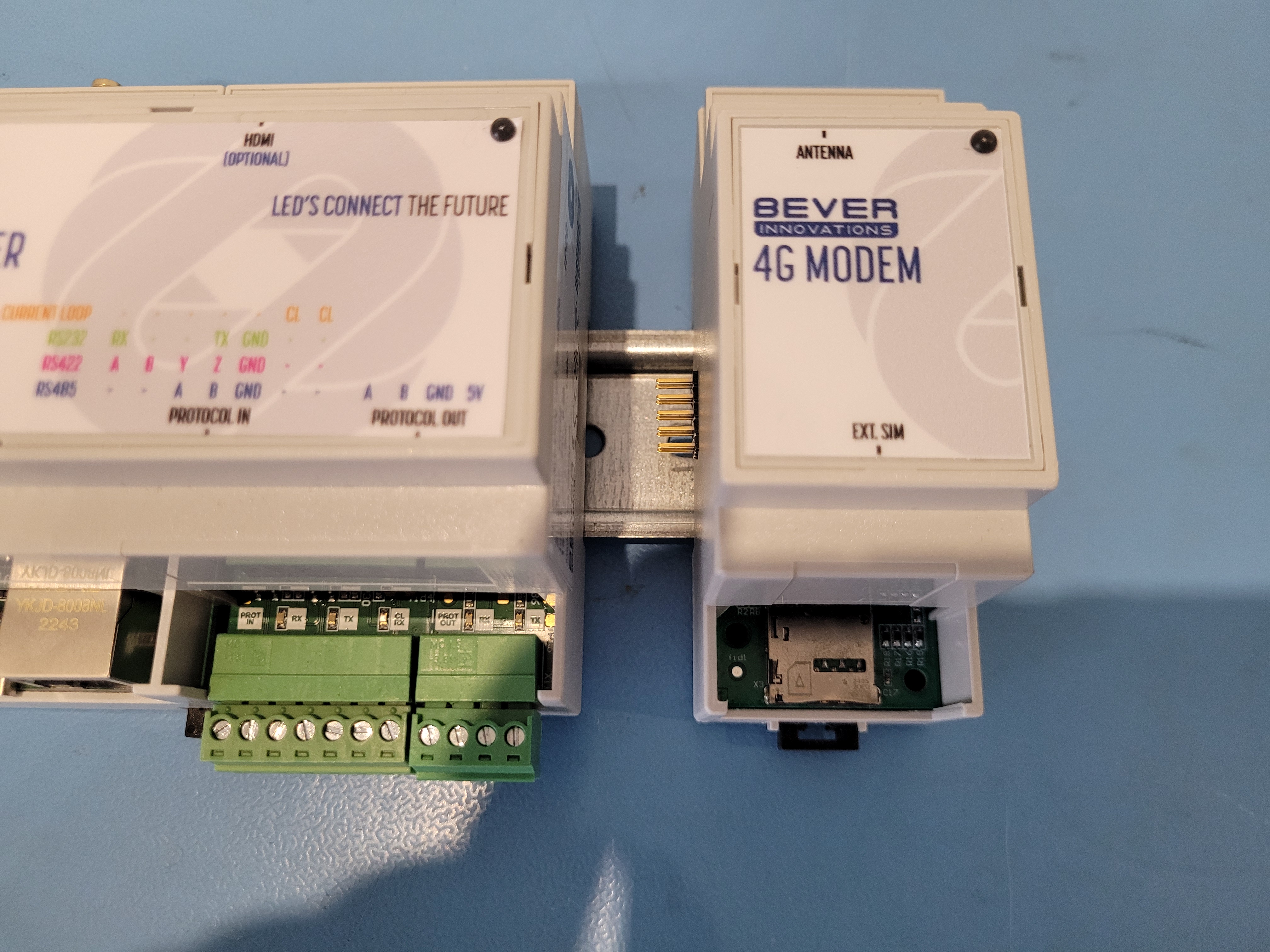
4. Slide the option module to the left so it docks into the IC Smart.
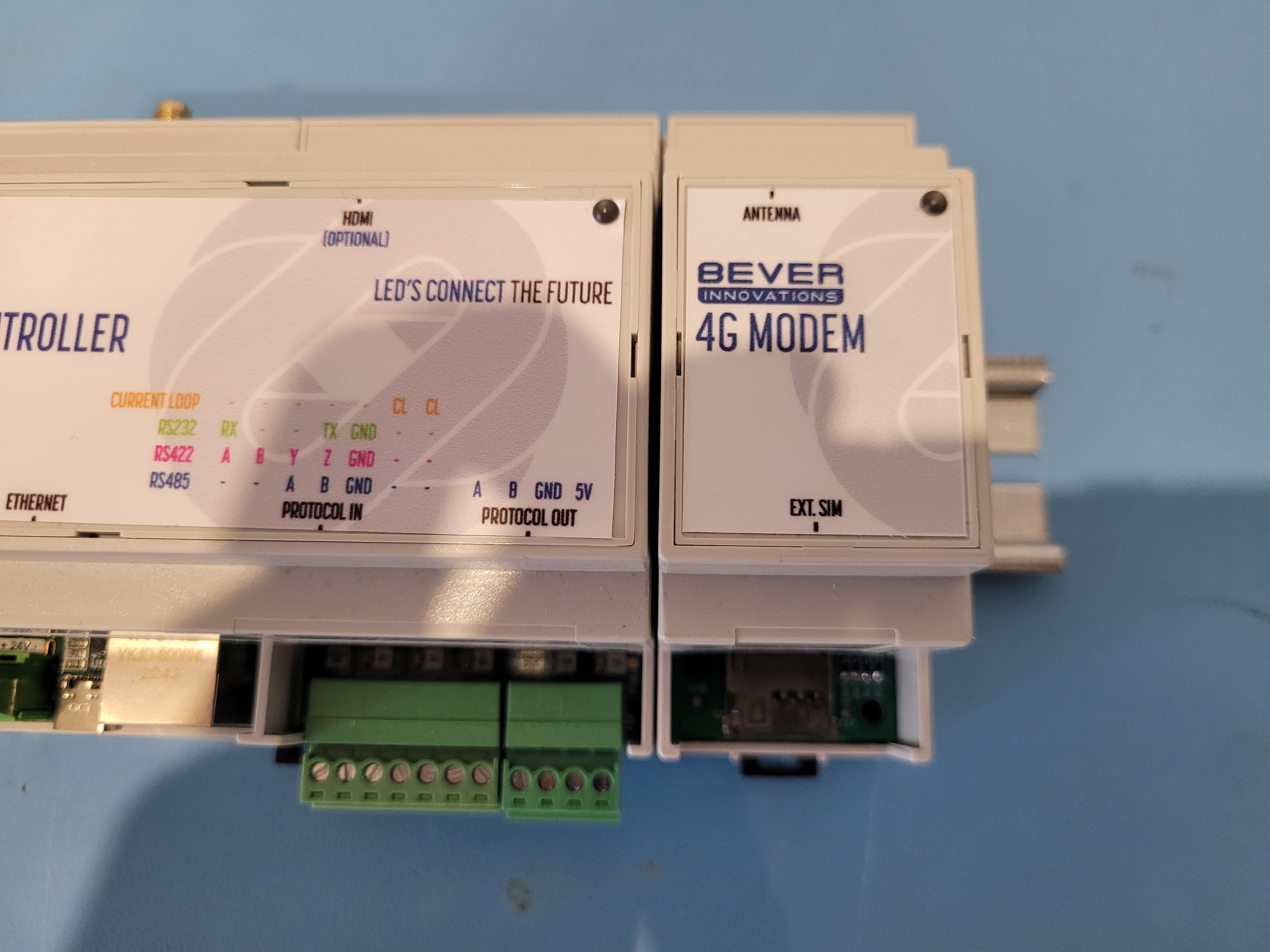
This method ensures that the IC Smart and the option module are properly aligned before connecting.
To remove the option modules, simply follow the steps in reverse order.
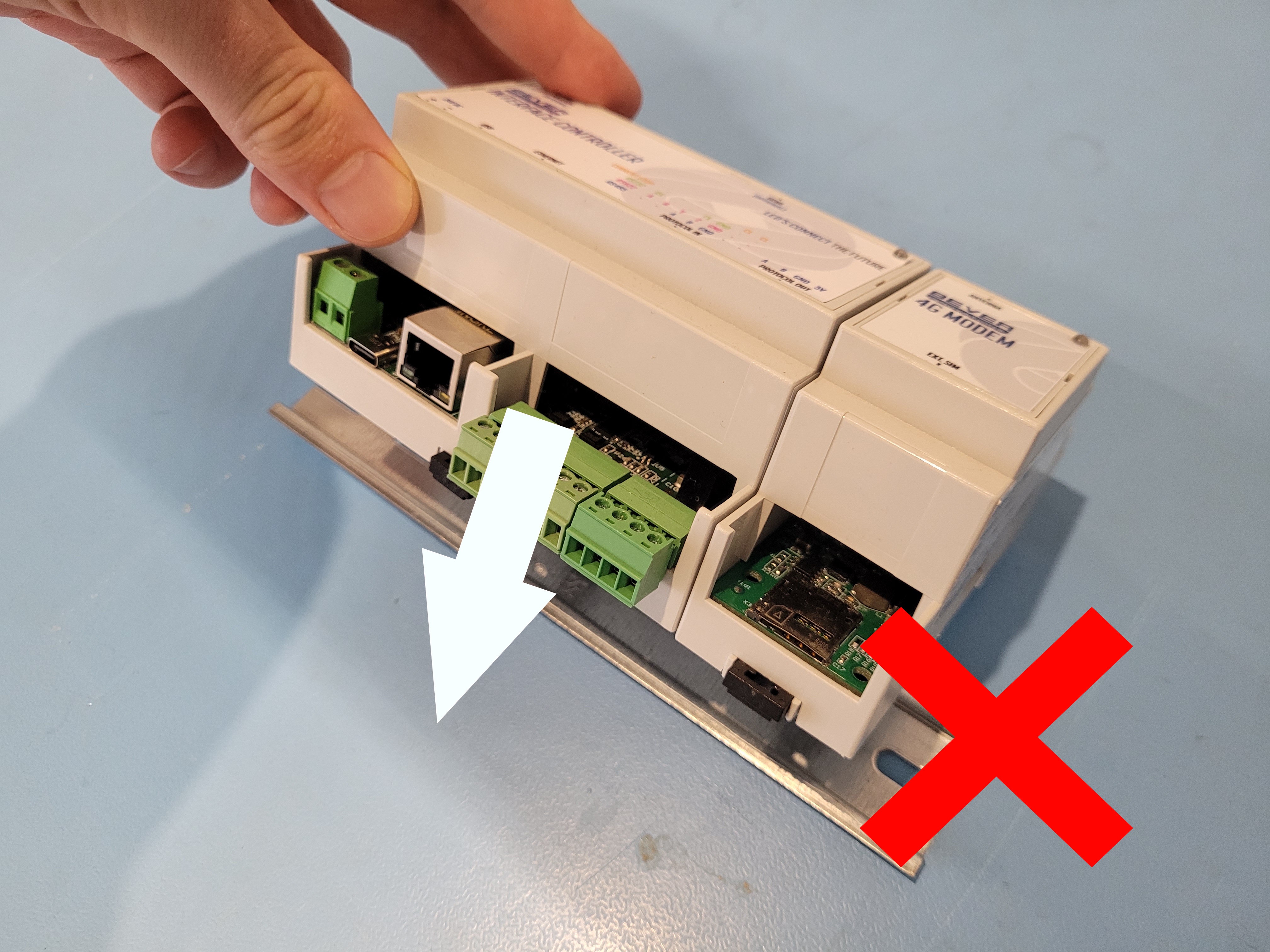
Never install or remove the IC Smart and its modules together! This could damage the interconnecting pins!
Was this article helpful?
That’s Great!
Thank you for your feedback
Sorry! We couldn't be helpful
Thank you for your feedback
Feedback sent
We appreciate your effort and will try to fix the article