In this section, we will guide you through the process of configuring settings for a single device or multiple devices on your network. Whether you're managing devices within a group or all the devices on your network, you can easily access and adjust their settings with a simple tap.
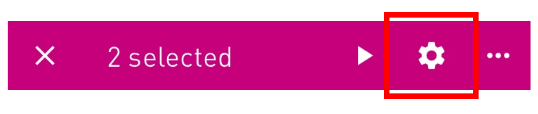
If you want to configure settings for multiple devices simultaneously, tap the gear icon within the device overview.
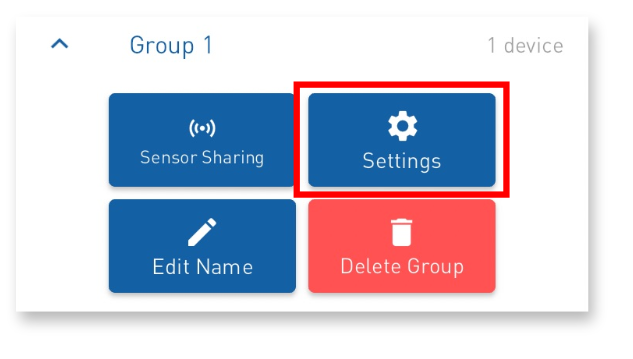
If you are in the group tab, you will also find a "Settings" button available.
NOTE:
Changing the settings for multiple devices is only possible if the same device type is configured. Attempting to configure different device types at the same time will result in an error

If you are on the ‘Group’ tab, you will also find a ‘Settings’ button there.
Before you continue, make sure that the data you are working with is up to date. Click on ‘Get data’ to retrieve the latest information
You can now make changes to the settings of the Bever Smart device.
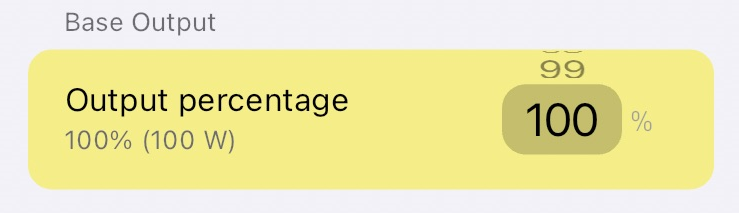
As soon as you change a setting, the changed setting is highlighted in yellow.
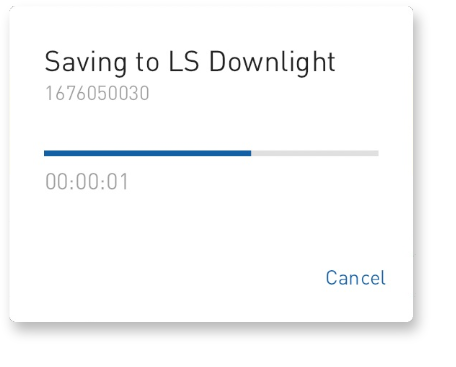
After you have made all the necessary adjustments, click "Save" to apply the new settings to the device.
Was this article helpful?
That’s Great!
Thank you for your feedback
Sorry! We couldn't be helpful
Thank you for your feedback
Feedback sent
We appreciate your effort and will try to fix the article