Please note: Some of these icons are only available from version 2025.1.0 and onwards.
Cloud Device
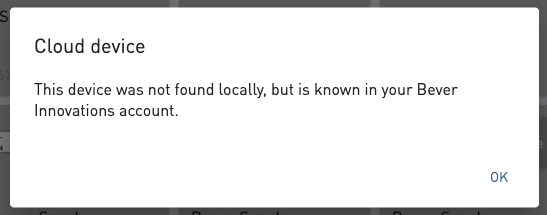
Your device is registered in your Bever Account, but was not found locally.
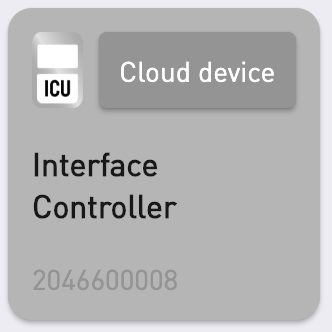 |
|
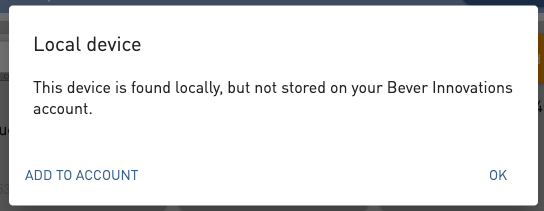
Local Device
Your device has been detected locally but is not yet registered in the Bever Cloud. This means it has never been connected to the Bever Cloud before.
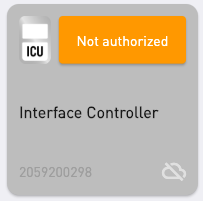 |  |
Not Linked to Your Company:
The device is not currently associated with your company. To add it, authorization is required first.
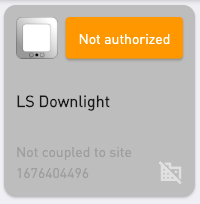 | 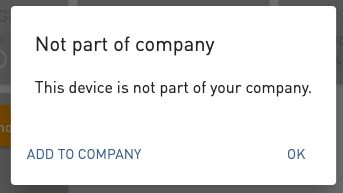 |
Not Linked to a Selected Location:
The device is not assigned to any of your selected sites. However, you can still add it to a site, even if it is not yet authorized. This is also possible through the dashboard.
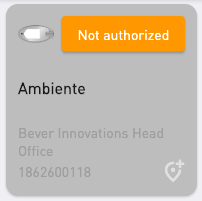 | 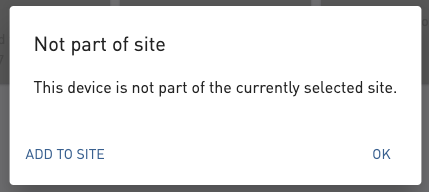 |
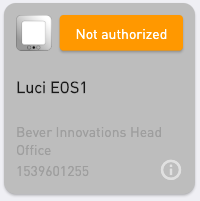
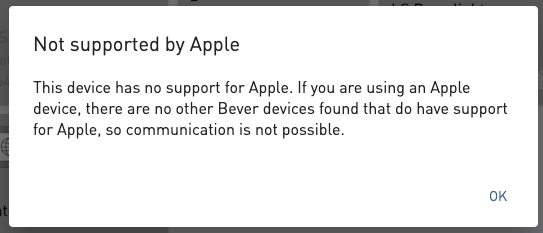
No Apple Support:
If the device has no apple support, a small information icon will show. This means that if you are using an Apple device, communication is only possible through the mesh network functionality of other devices that do have Apple support. If no such device exists in your network, communication is not possible.
 |  |
Was this article helpful?
That’s Great!
Thank you for your feedback
Sorry! We couldn't be helpful
Thank you for your feedback
Feedback sent
We appreciate your effort and will try to fix the article