Introduction & requirements
This article will help you to log in to the Bever App. In order to log in, make sure you have created an account for the Bever Dashboard.
Your Bever account first needs to be granted permission to use the Bever App. You can obtain a license from your dealer or you can proceed with a 7 day trail-licence.
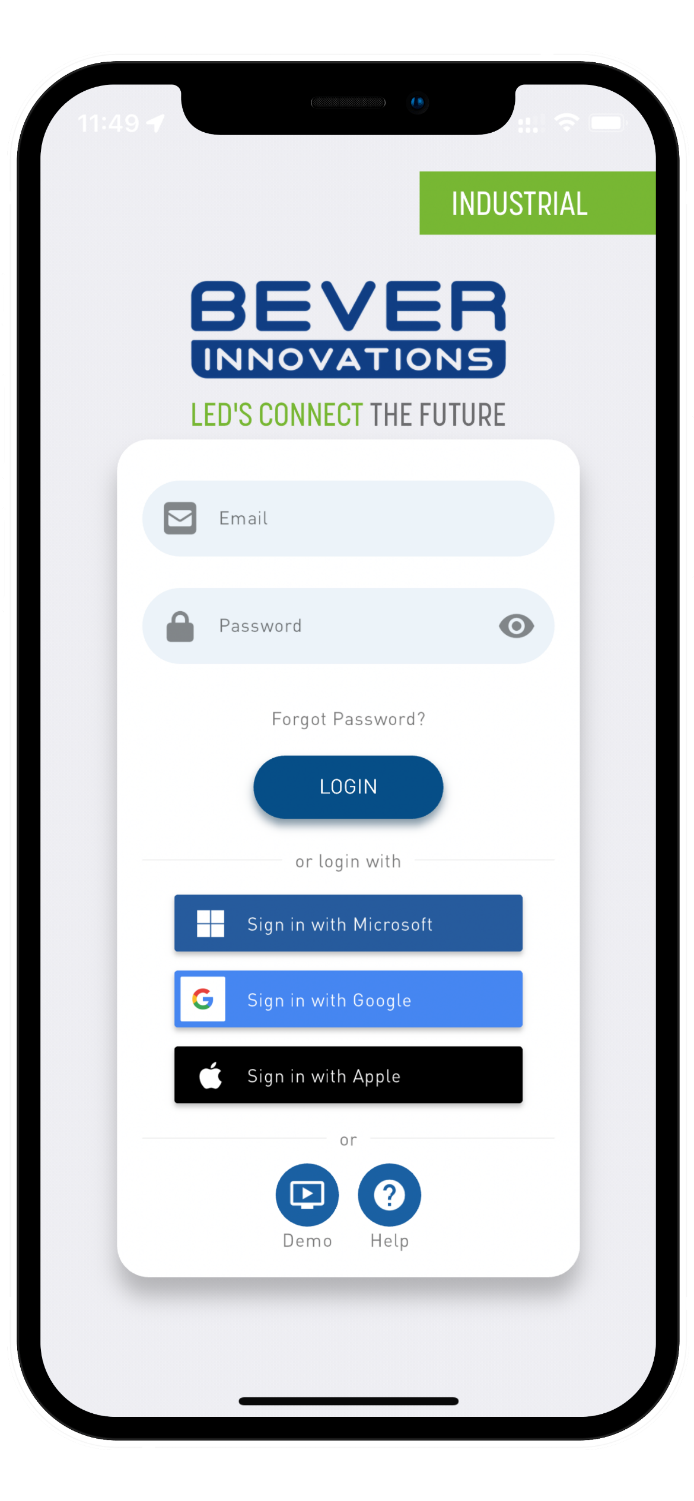
When you first start the Bever App you will be greeted with a log in screen. Here you can use your email/password or link a Microsoft/Google/Apple account to log in to the app.
You can also choose to demo the app using the demo-button on the bottom or you can visit our support website by tapping the help-button.
After logging in, your device may prompt you to grant two permissions to the Bever App:
NOTE
✔ Location service (used to determine what site you are commissioning, optional)
✔ Bluetooth access (used to communicate with your devices, critical)
After granting these permissions, you will be logged in and ready to use the Bever App.
Was this article helpful?
That’s Great!
Thank you for your feedback
Sorry! We couldn't be helpful
Thank you for your feedback
Feedback sent
We appreciate your effort and will try to fix the article